

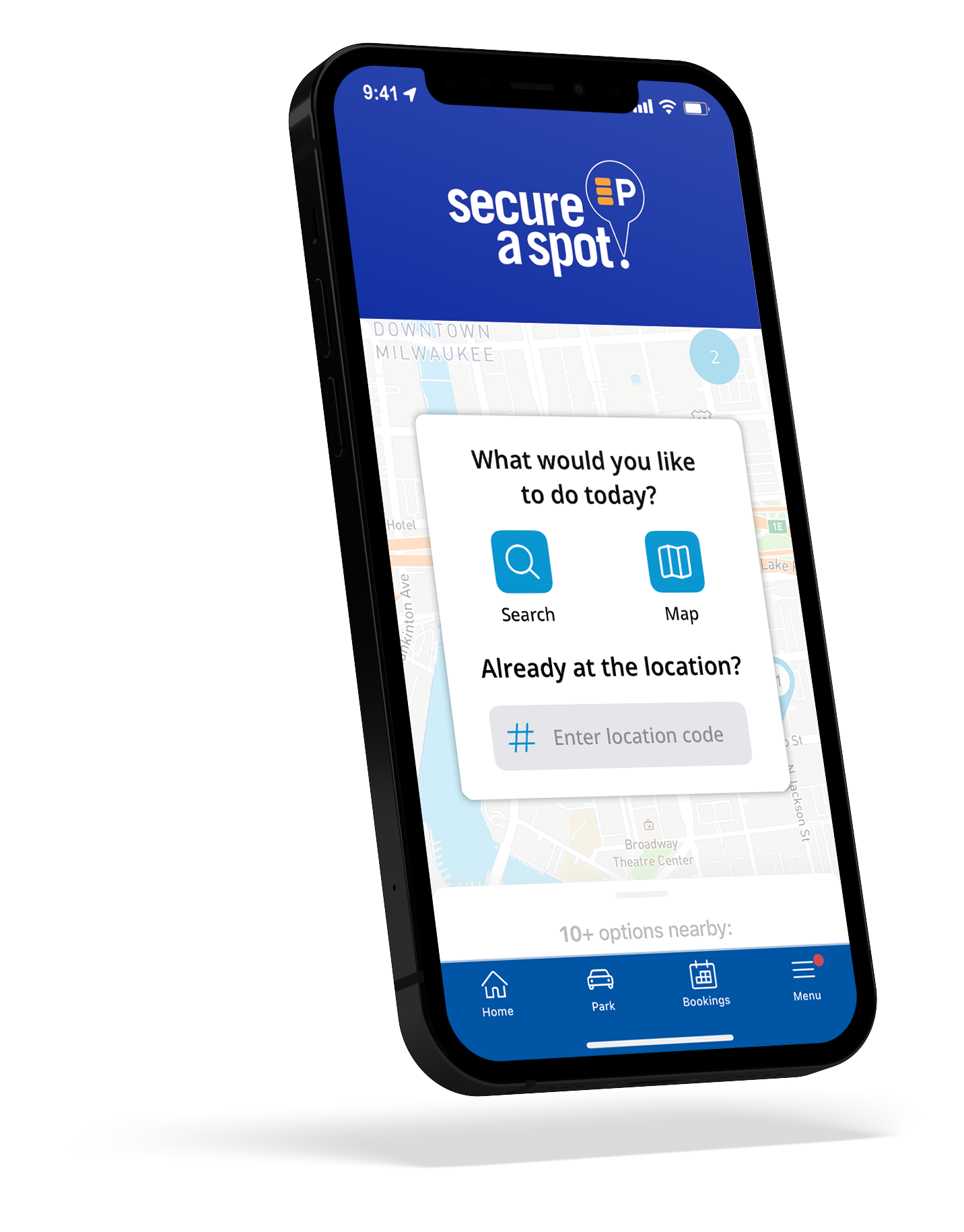
Delete Account

Thinking of deleting your account?

If you’re thinking of deleting your Secure-a-Spot account, please find the simple steps below.

But before you go, a quick reminder of what the app offers:

  • Lowest parking rates
    Only available in the app
  • Exclusive, up-to-date promo codes
    Exclusive, up-to-date promo codes for extra savings
  • Faster checkout
    with saved payment and vehicle info
  • Hands-free garage access
    Open gates right from your phone

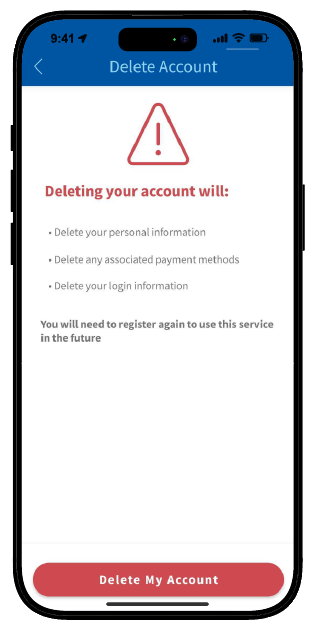
Deleting your account will:

  • Delete your personal information
  • Delete any saved payment methods
  • Delete your login information

To use the app again in future you will need to register for a new account.
Still want to move forward?

How to delete your account:

  1. Open the app and login to the account you are removing
  2. Select Menu
  3. Select Profile
  4. Select Delete My Account in the options
  5. Select Delete My Account to Confirm